Technical article
Recognise and prevent N+1 queries in Eloquent
Investigate relationship queries in a Laravel list. Apply targeted eager loading and check query counts, missing relations and pagination.
- SQL
- MySQL
- Laravel
In this article
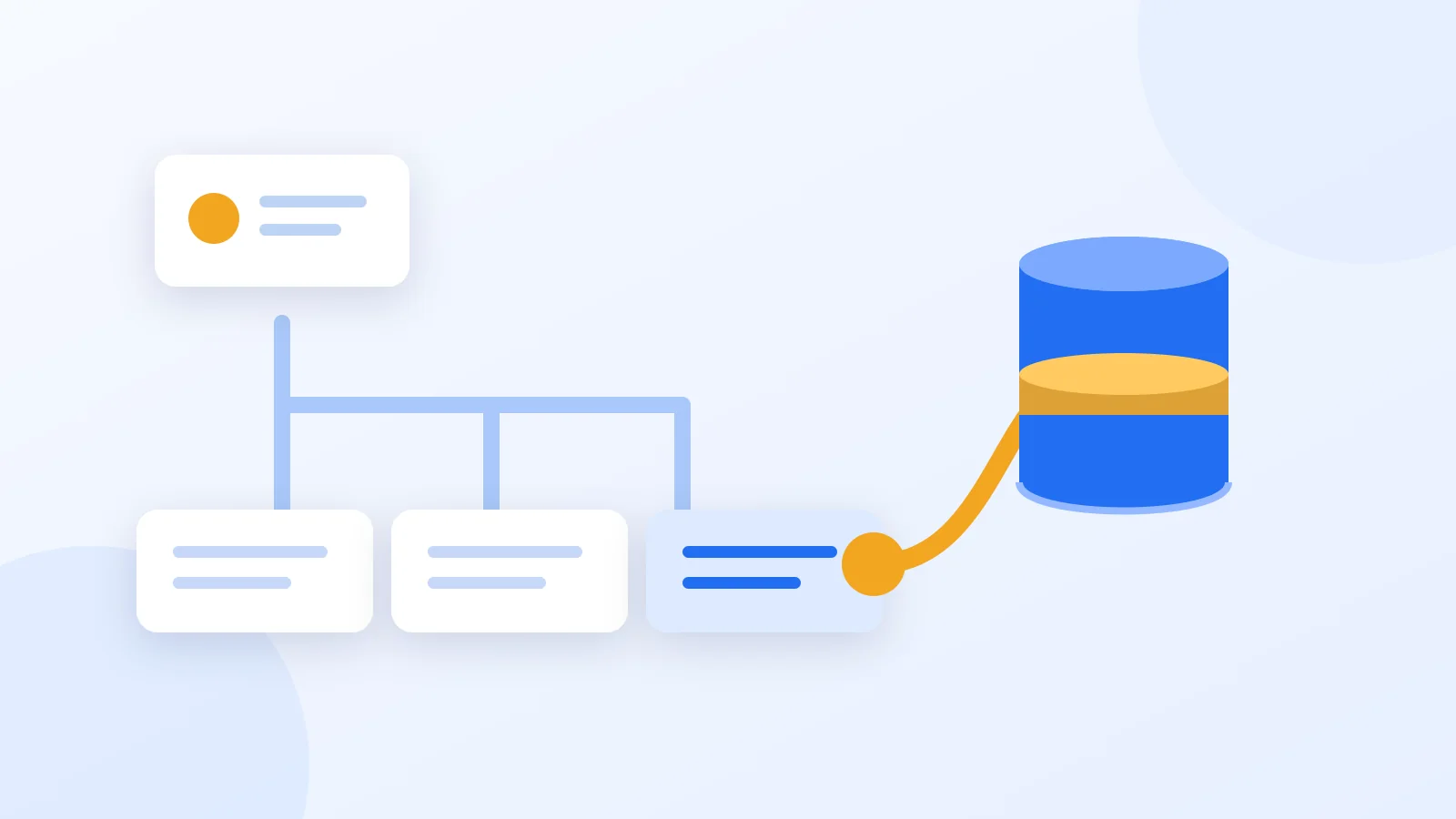
N+1 occurs when a list query is followed by a relationship query for each record. With ten books and an unloaded author relation, a simple example can execute one list query plus ten relationship queries. Deliberate eager loading can load that simple relation in two queries. This explains a pattern; it is not a client benchmark.
Use the same ten records before and after and count only this flow’s queries. Include a missing author and pagination. Polymorphic relations, extra scopes and other relations may produce different counts.
- Identify the loop and relation; count queries on the real route.
- Use with for needed relations and withCount when only a count is needed.
- Use preventLazyLoading where appropriate in development and add a flow regression test.
Make hidden relationship queries visible
A list may be slow even when each individual SQL query is reasonably fast. Here Book has a belongsTo author relationship through author_id. Accessing an unloaded author for each book in a loop can query the database repeatedly after the initial list query. The model names and fields are assumptions for this explanation, not models implemented by this website. Measure the actual route, including Blade rendering, API resources and serialization: that is where an apparently harmless property access may cause an extra query. Database indexes cannot eliminate the repeated application requests themselves.
use App\Models\Book;

// Assumptions: Book belongsTo Author through author_id; Author has id and name.
// Use a dedicated test dataset with ten books and existing non-null authors.
// The application has no automatic eager loading, default $with or extra scopes.
$before = [];
foreach (Book::query()->orderBy('id')->limit(10)->get() as $book) {
    $before[] = ['id' => $book->id, 'author' => $book->author?->name];
}

$after = [];
$books = Book::query()
    ->select(['id', 'author_id']) // Keep the relationship foreign key.
    ->with('author:id,name')   // Keep the related primary key as well.
    ->orderBy('id')
    ->limit(10)
    ->get();

foreach ($books as $book) {
    $after[] = ['id' => $book->id, 'author' => $book->author?->name];
}

// In a test, compare these arrays for identical records, names and ordering.
// The expected query count depends on the documented relationship assumptions.
Count only the work you are investigating
With ten books that have existing authors, no automatic eager loading and no additional scopes, the simple first pattern typically performs one list query and ten relationship queries. The second pattern typically loads this simple relationship in one additional query. This explains the mechanism; it is not a measured client result. Counts differ with missing foreign keys, polymorphic relationships, automatic eager loading, global scopes or pagination. Record those conditions before enforcing a hard limit in a test. Also distinguish database round trips from total endpoint latency, network time and PHP processing.
Add a scoped regression check
use App\Models\Author;
use App\Models\Book;
use Illuminate\Support\Facades\DB;

// Requires your application's factories, relationship and isolated test database.
// Never enable an unbounded query log during production traffic.
it('loads a simple author relation with a bounded query count', function (): void {
    Book::factory()->count(10)->for(Author::factory(), 'author')->create();
    DB::flushQueryLog();
    DB::enableQueryLog();

    try {
        $books = Book::query()
            ->with('author:id,name')
            ->orderBy('id')
            ->limit(10)
            ->get(['id', 'author_id']);

        $names = $books->map(fn (Book $book) => $book->author?->name)->all();
        $queries = DB::getQueryLog();
    } finally {
        DB::disableQueryLog();
        DB::flushQueryLog();
    }

    expect($books)->toHaveCount(10)
        ->and($queries)->toHaveCount(2);

    foreach ($names as $name) {
        expect($name)->toBeString()->not->toBeEmpty();
    }
});
The factory setup runs before query logging starts, so the measurement covers the list and relationship access rather than fixture creation. This example assumes an empty test database, the same default database connection for both models and no additional model-event or scope queries. Adapt it to your actual model and test isolation. It has not been executed against a Book model in this repository. Check the returned content as well: a lower query count is not sufficient if authors disappear, sorting changes or another account’s records become visible.
Handle missing relationships and large lists
Keep author_id when selecting book columns and id when selecting author columns. Test a book without an author and an author excluded by a visibility scope. Use withCount when the page needs only counts instead of complete related models. Loading all related rows wastes memory in that situation. Eager loading also does not justify fetching thousands of books in one request. Investigate pagination and its separate count, then measure memory and response time as well as SQL calls. Preserve authorization constraints throughout the comparison; optimisation must never broaden access to data.
Prevent the loop from returning later
Access the loaded relation as a property. Calling author()->first() again can still issue a query rather than reusing the loaded object. Model::preventLazyLoading can help expose unintended relation queries in development when the application explicitly defines how violations are handled. Review newly introduced Blade partials and API resources as well. If one expensive query remains after eliminating N+1, investigate that query’s execution plan and indexes next. These are distinct causes with different remedies, so keep their acceptance criteria separate and avoid claiming that eager loading alone solves every database performance problem.
Continue the investigation
A query plan is one part of the diagnosis. The following references connect the technical investigation to a scoped SQL service. Demonstrations use fictional data, not the results of a client engagement. For an enquiry, start with a problem description and anonymised context. Do not send passwords, complete database dumps or customer personal data.
Last updated: