Custom web application development for your business process.
Need a custom web application for a customer portal, dashboard, internal platform or workflow? Codegenie examines the process first and builds custom software only where it materially improves how the right user completes the right step.
From a daily bottleneck to a defined first version.
The two flows below are illustrative scenarios. We first consider whether existing software or a smaller automation is sufficient. Custom development fits when your own process does not fit those options well enough.
Scenario: submit and track requests
Requests scattered across emails make their current status hard to find. A first version could bring together a request form, one record overview and a status for the requester. Notifications and additional integrations are considered separately.
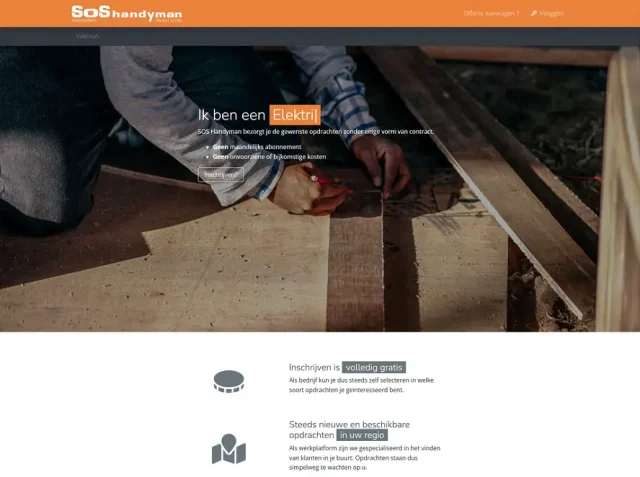
Delivered reference: SOS Handyman combines job requests, professional registration, matching and assignment tracking. This documents that project’s flow, not a scenario already built for your business.
When colleagues repeatedly collect the same information, one record with defined roles can help. An employee checks the request, asks for missing information and passes on a decision or next step. Start with one review process and clear access.
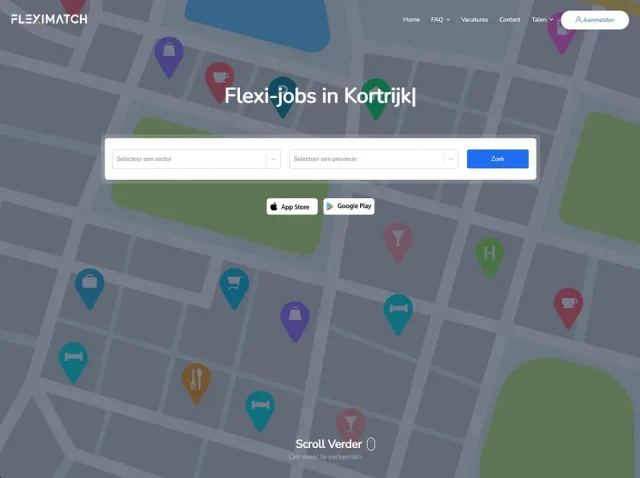
Delivered reference: FlexiMatch has separate onboarding, profiles, vacancies, messages and management for different roles. The internal review flow above is a scenario, not a claim about an implemented approval feature in FlexiMatch.
Describe how the process works today, who performs each step and where information or follow-up gets stuck. Name the existing software that needs to remain. Share an anonymised example without customer data or credentials so we can define the first version.
Compare the desired process with existing software and a smaller automation. Custom development is useful when roles, rules or integrations cannot be addressed appropriately otherwise.
02
A bounded first release
Example scope: a customer submits a request, an employee reviews it and the customer follows its status. Dashboards, payments and subscriptions are included only when needed. This is an example, not a client result.
03
Clear roles and information
Who may view documents, edit data or approve requests? Turn those decisions into screens, permissions and verifiable steps.
04
An application you can take over
The quote identifies integrations, hosting, maintenance, documentation and handover. It distinguishes the first delivery from work to be scheduled separately.
The process comes before the framework
This page addresses the workflow and investment. The custom Laravel page explains the technical choices when Laravel is an appropriate foundation.
01Start with the main user journey, not every possible feature.
02Identify which system owns each piece of data.
03Review a realistic scenario before planning a full rollout.
Scope and responsibilities are clarified first. We then build and verify the solution in controlled steps.
1
Understand
Describe the current steps, users and bottlenecks.
2
Choose
Separate first-release needs, deferred features and dependencies.
3
Build
Implement and review the main journey with representative scenarios.
4
Hand over
Assign ownership of hosting, use, administration and follow-up work.
Frequently asked questions
What determines the budget?+
Roles, exceptions, integrations, screens and data sensitivity. A simple request flow is a different assignment from a platform with payments, reporting and multiple organisations.
Can the existing system remain?+
Often yes. Examine whether an integration or smaller extension is sufficient and how to preserve existing data safely.
How do we decide the first version is complete?+
Use agreed user scenarios: who can finish which task, which failures are handled correctly and which handover is required?
Which manual step needs simplifying?
Explain how you work today, who is involved and where follow-up breaks down.